
Presentation on a simple example of Sequence Editor /Creator using an NI LabVIEW project template as a starting point.
Originally Published Mar 7,2023
updated 9/6/2023 Added Right click on Add PS1,2 for parameter, AutoScroll when Sequence list is longer then visual, added clear Sequence list. Adding short about 1min video
updated 9/6/2023 Added LV code.
Presentation
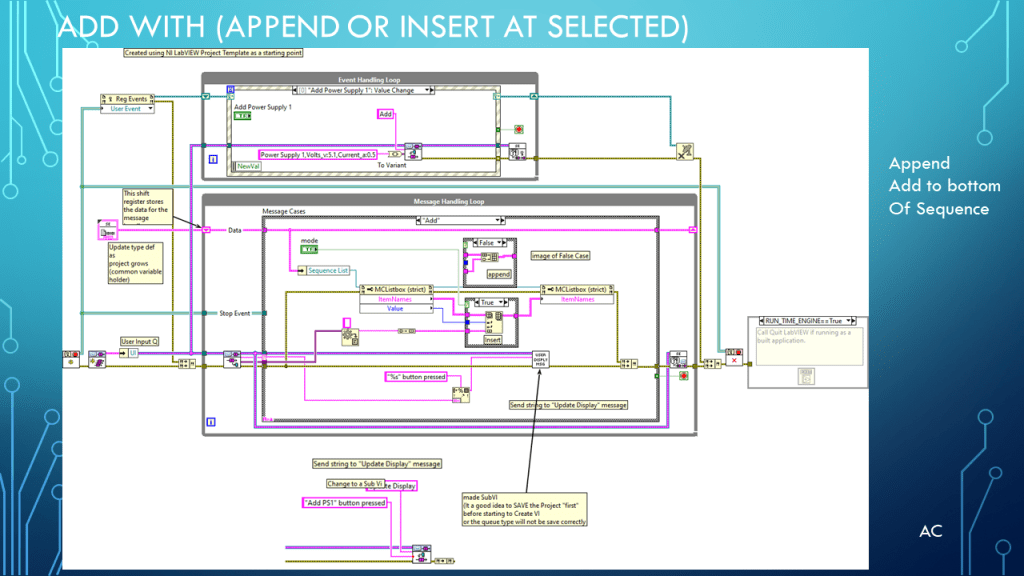
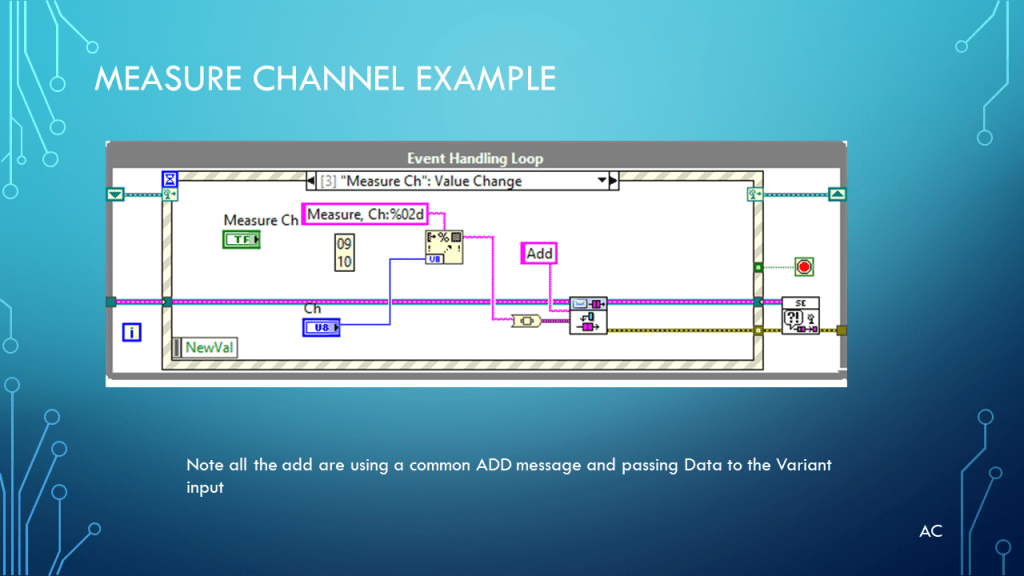
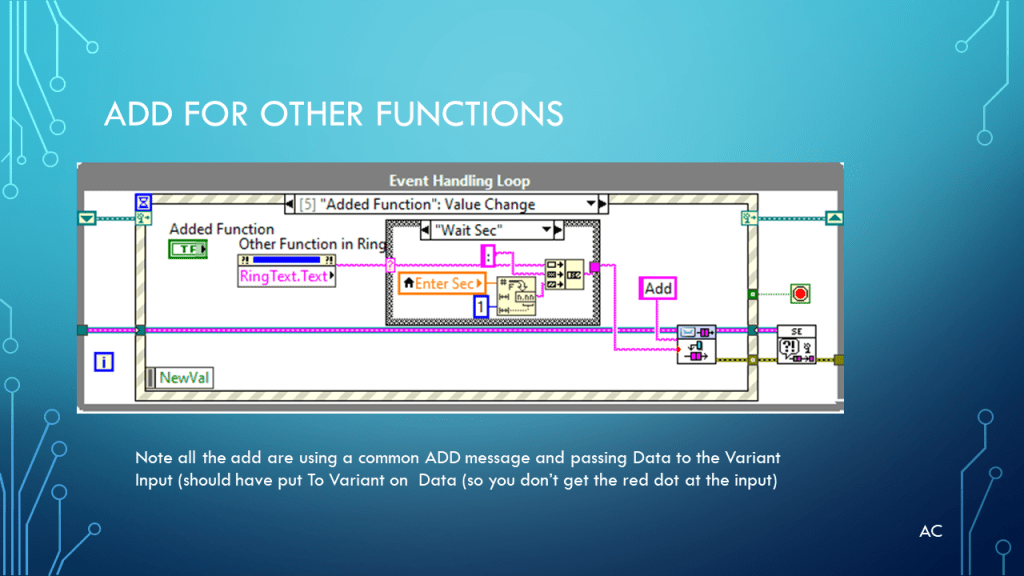
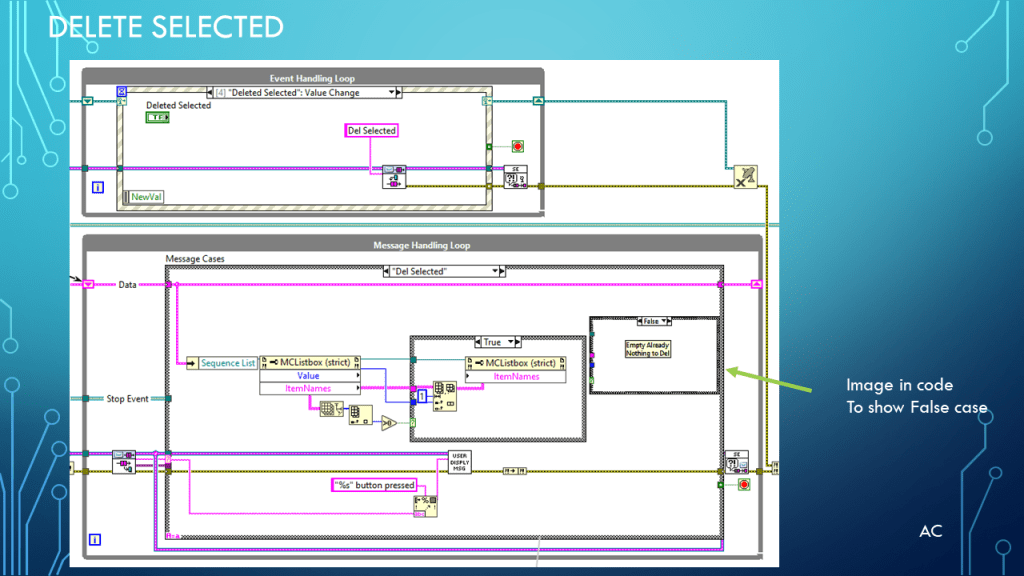

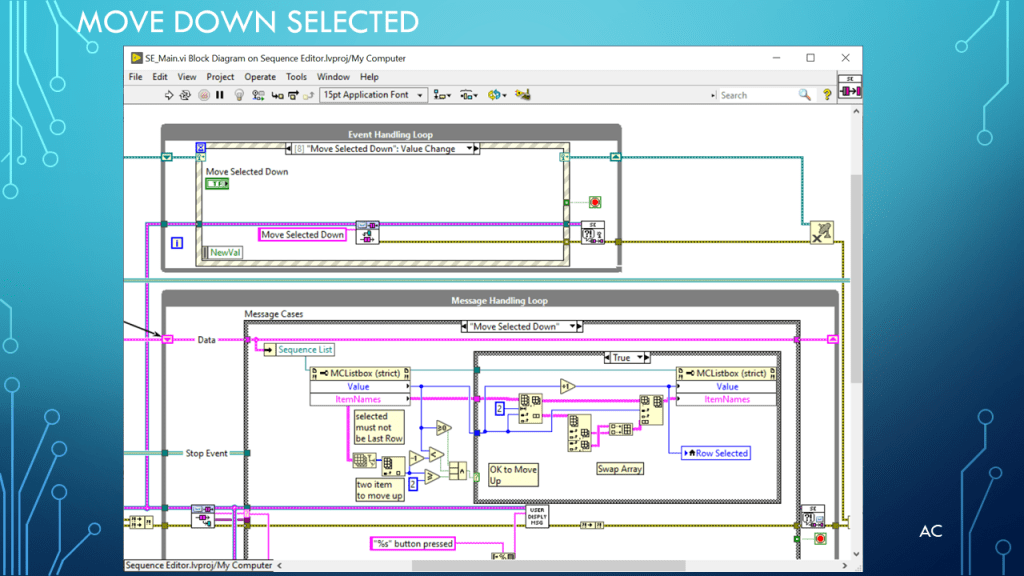

New Images
New Images (9/6/2023)


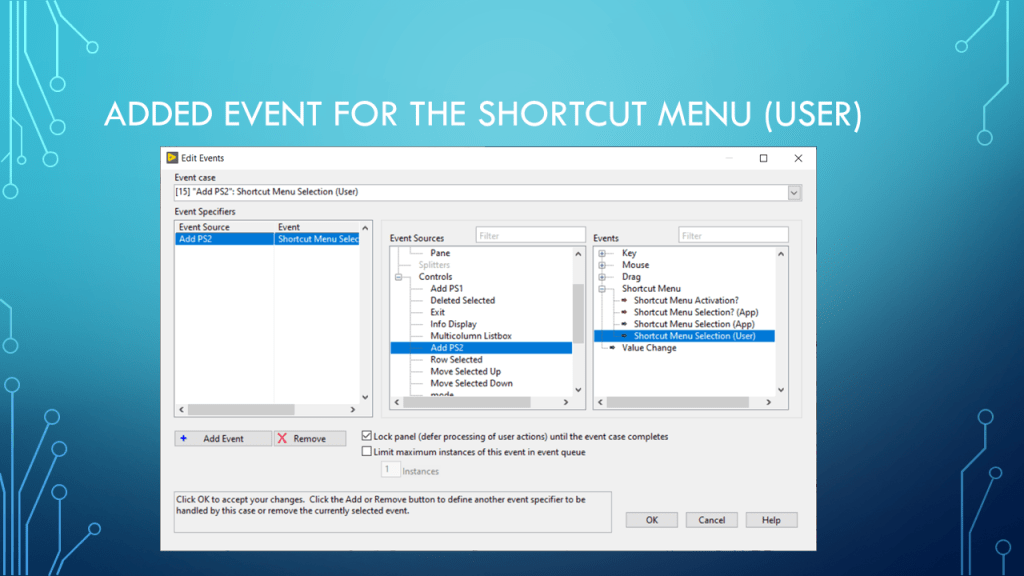
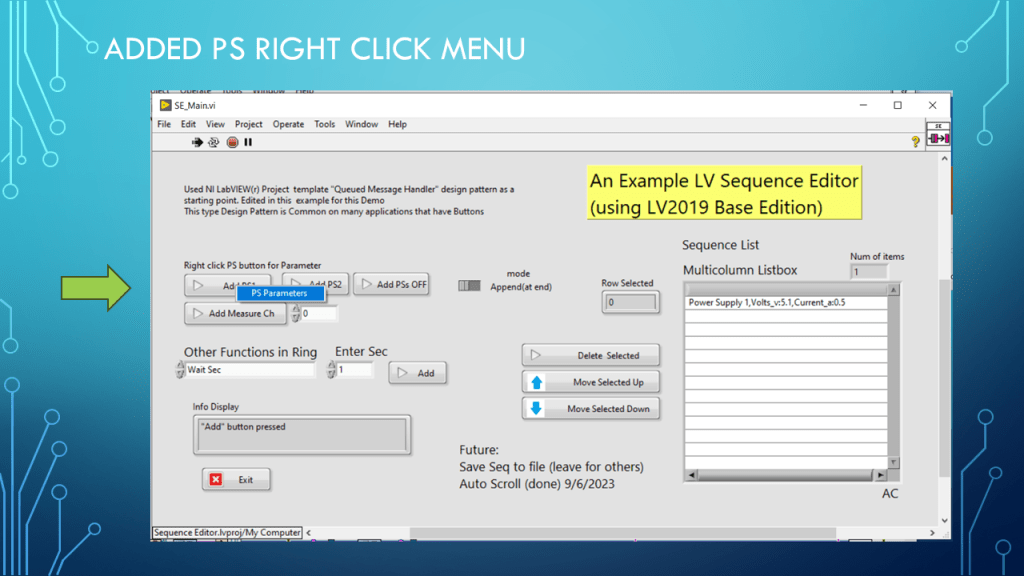
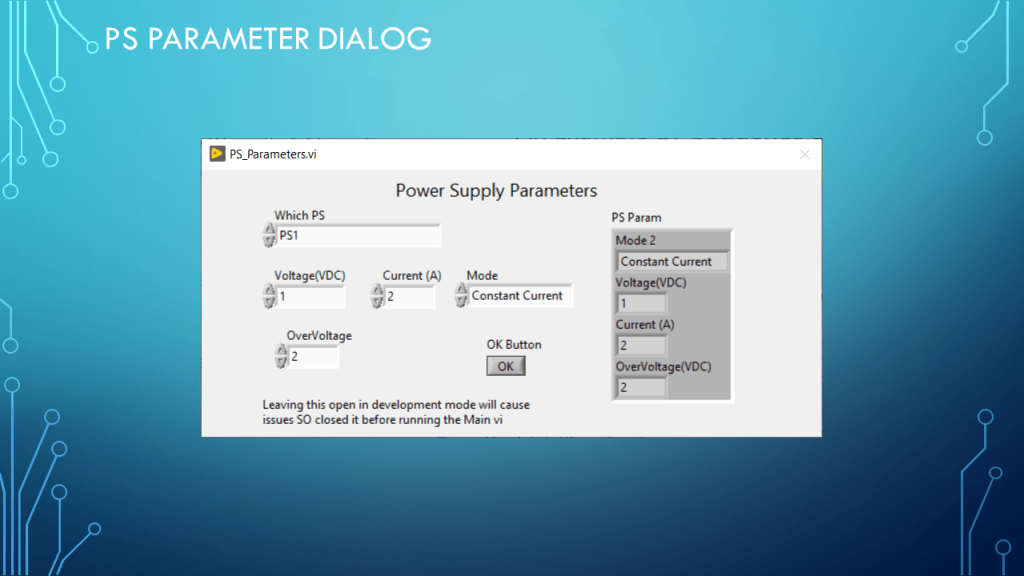
Short Video (about 1min: 19sec)
LV code Zip
Notes
Notes
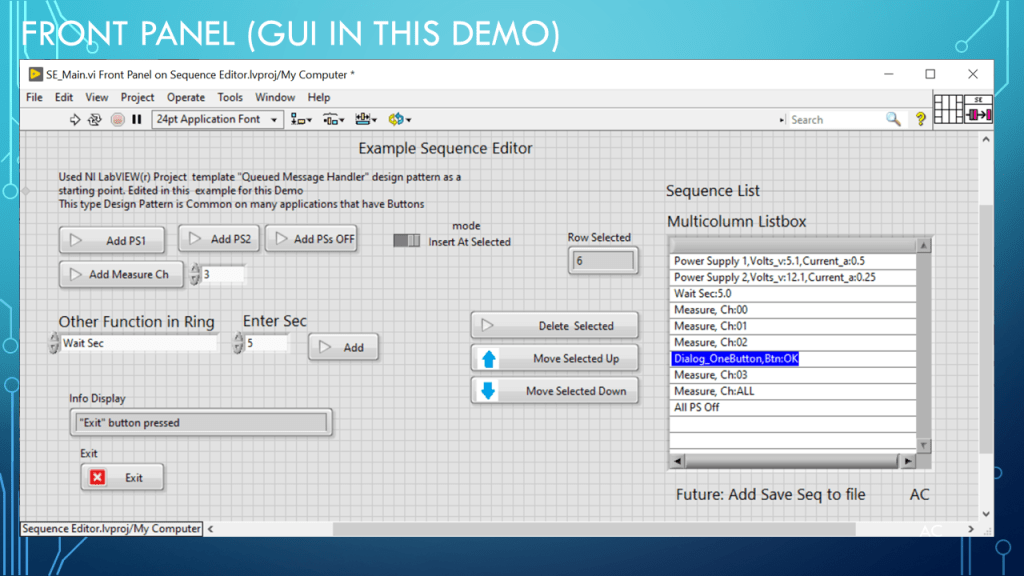
- Presentation: Example of a Sequence Editor/Creator using NI LabVIEW project template as a starting point. Simple just to spark some possible ideas.
- Programming Language used: LabVIEW® 2019 Base version
- LabVIEW® is a NI (formally National Instruments) products
- Presentation app: Microsoft’s PowerPoint
- Blue arrows created using: Microsoft’s Paint and placed in button with NI LabVIEW advance customize… control import from clipboard same size
- Presentation shown to spark ideas of use.
- This presentation is not connected to or endorsed by any company.
- Use at your own risk.
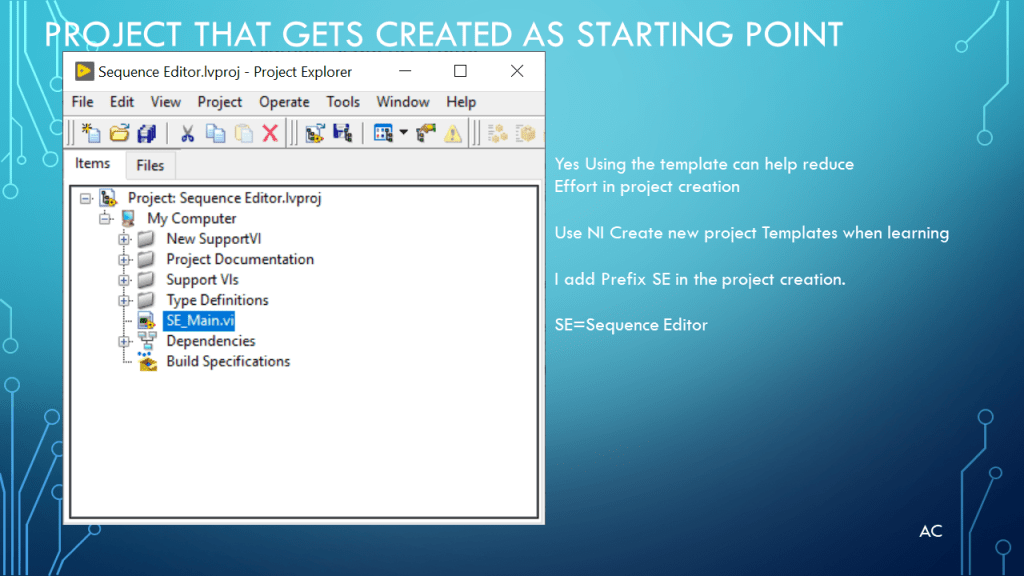
- Use NI LabVIEW® 2019 project template Queue Message Handler as starting point in Examples (also good way to learn different patterns if beginner.)
- Tags: LabVIEW® , Project Template, LV2019,Queue Message handler, Events, Sequence Editor, Array functions, Ring data type, List box.

 Test Engineers Resource