
Presentation on how a LabVIEW developer can access a Python developers module(file) and functions using the -c command line mode


Helpful links
- https://stackoverflow.com/questions/3987041/run-function-from-the-command-line
- https://stackoverflow.com/questions/4383571/importing-files-from-different-folder
- National Instrument’s website
- LabVIEW® is a National Instrument product.
- Presentation created as a possible starting point for your LV / Python adventure.
- Use at your own risk
- This post is not connected or endorsed by any company.
Created to spark ideas on the subject.
Updated: Nov 02 2023
Updated Presentation
Presentation



Zip Code
Notes
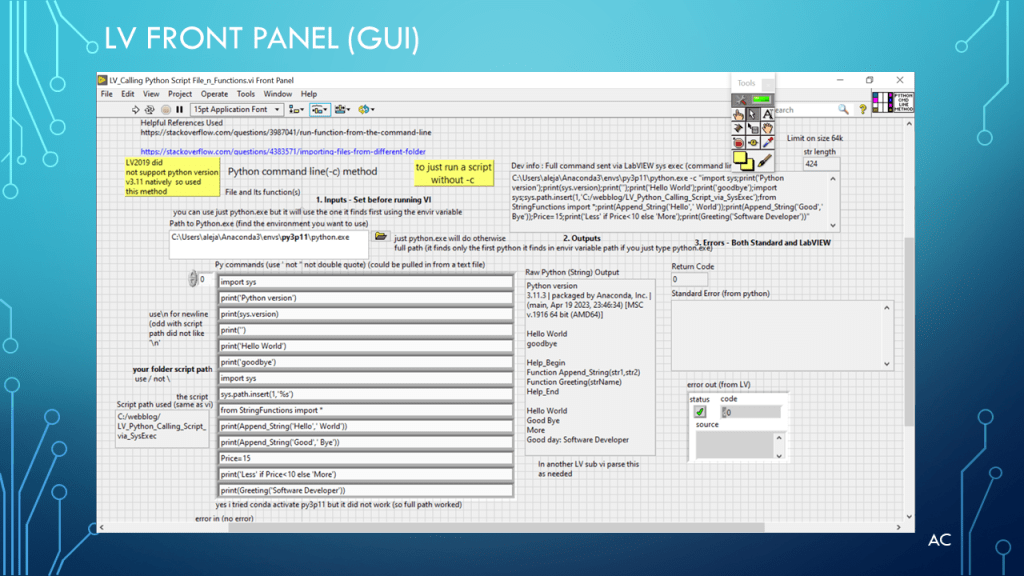
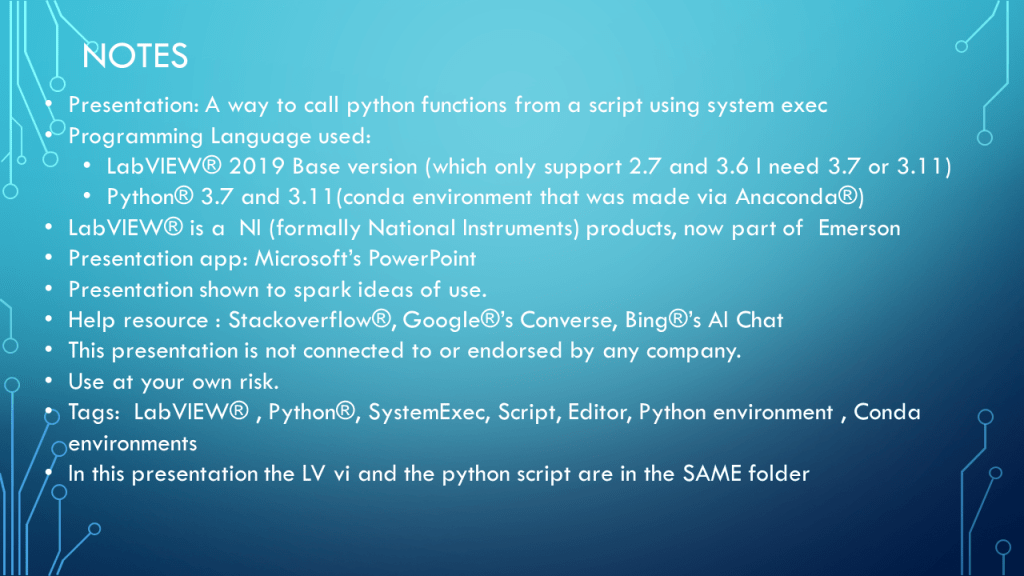
- Presentation: A way to call python functions from a script using system exec
- Programming Language used:
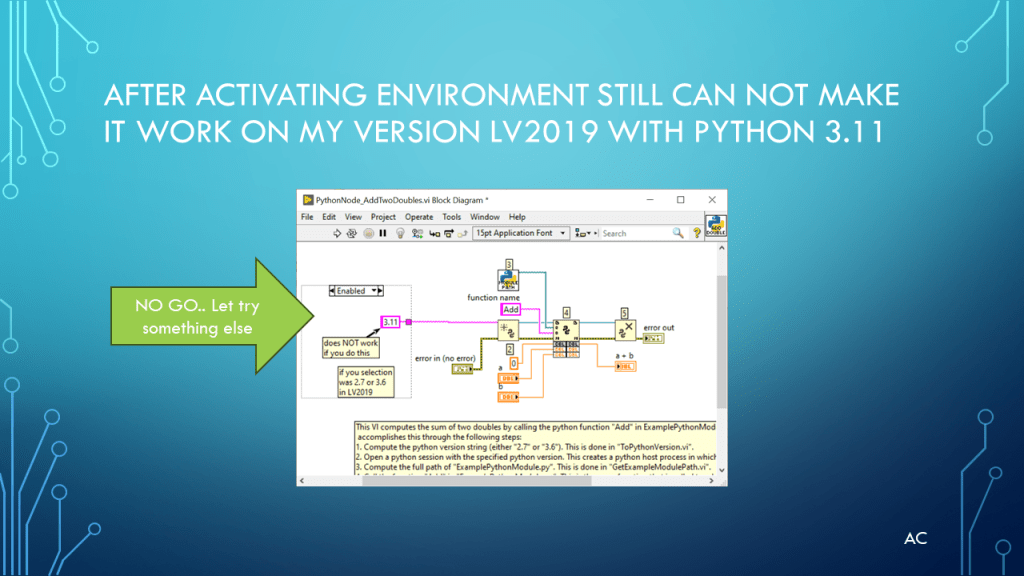
- LabVIEW® 2019 Base version (which only supports 2.7 and 3.6, but I need 3.7 or 3.11)
- Python® 3.7 and 3.11 (conda environment that was made via Anaconda®)
- LabVIEW® is a NI (formally National Instruments) product, now part of Emerson
- Presentation app: Microsoft’s PowerPoint
- Presentation shown to spark ideas of use.
- Help resource:
- Stackoverflow®
- Google®’s Converse
- Bing®’s AI Chat
- Google®’s Converse
- Stackoverflow®
- This presentation is not connected to or endorsed by any company.
- Use at your own risk.
- Tags: LabVIEW®, Python®, SystemExec, Script, Editor, Python environment, Conda environments
- In this presentation, the LV vi and the python script are in the SAME folder
- Default for python field is python.exe if you want a different evns use the full path as done in the presentation
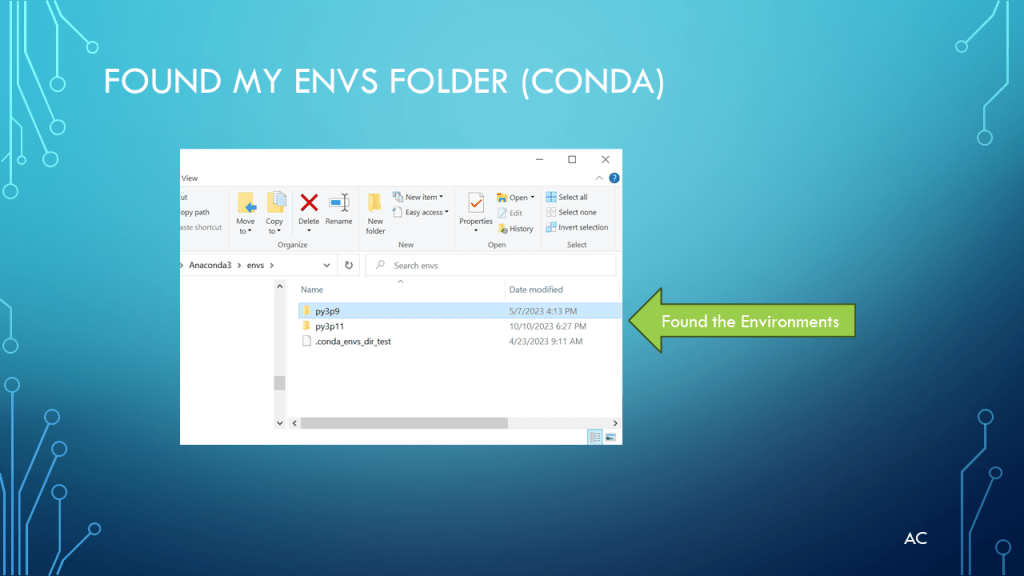
- C:\Users\( )\Anaconda3\envs\py3p11\python.exe (py3p11 is what i name my conda for python version 3.11

 Test Engineers Resource